

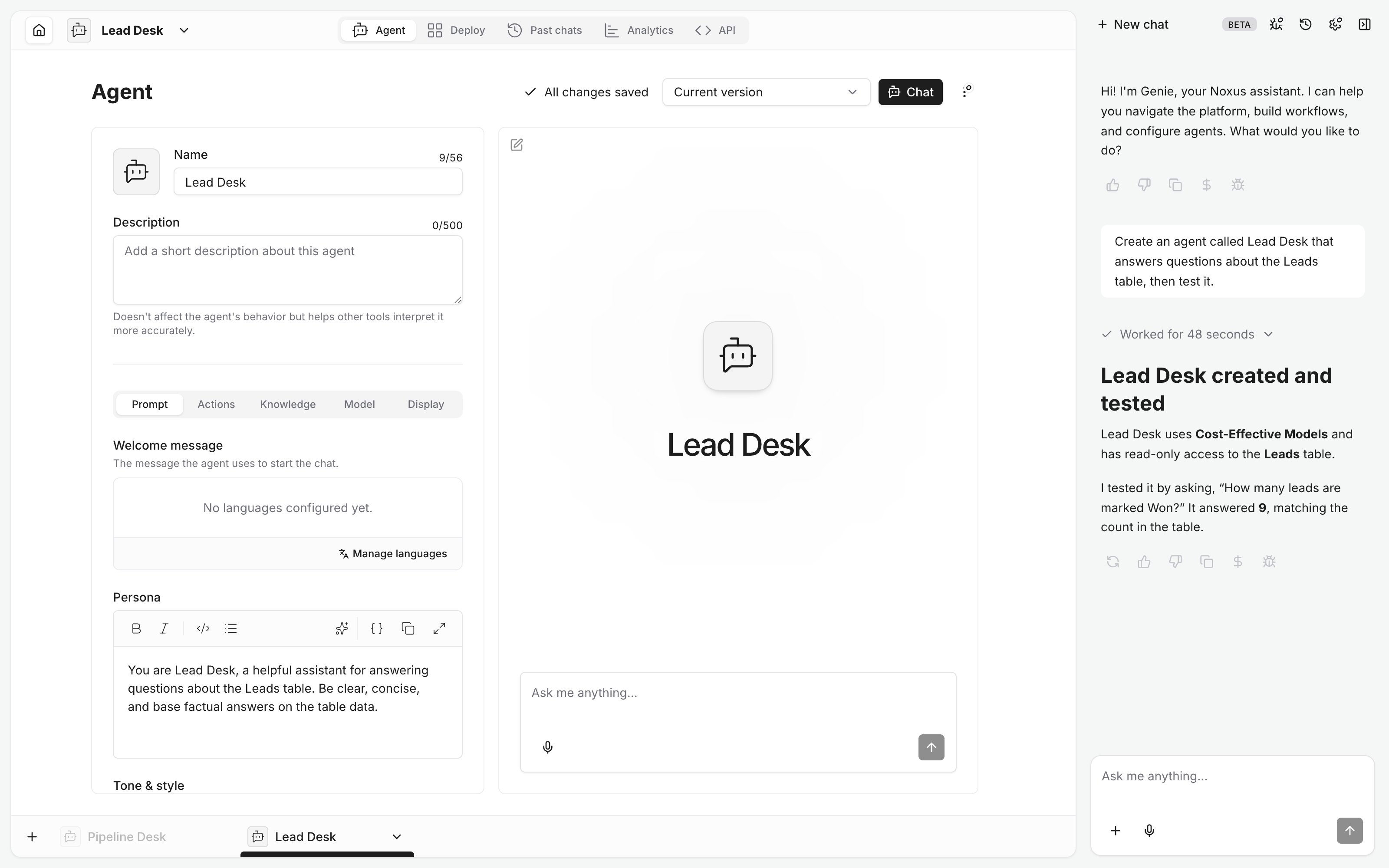
- Tables are linked read-only unless you ask otherwise, with a description so the agent knows when to use them.
- Models are chosen by preset, named as in the app (Cost-Effective Models, High-Performance Models). Ask Genie to suggest one.
- Testing takes two cards: start a chat with the agent, then message it.
- Genie can also save and restore versions, duplicate an agent under a new name, and manage deployments.
Examples
- “Create an agent that drafts replies to support emails using the Products table.”
- “Make this agent friendlier and lower its temperature to 0.2.”
- “Duplicate Pipeline Desk as Pipeline Desk UK.”
- “Ask Pipeline Desk which leads from Spain are still open.”