

Changing data
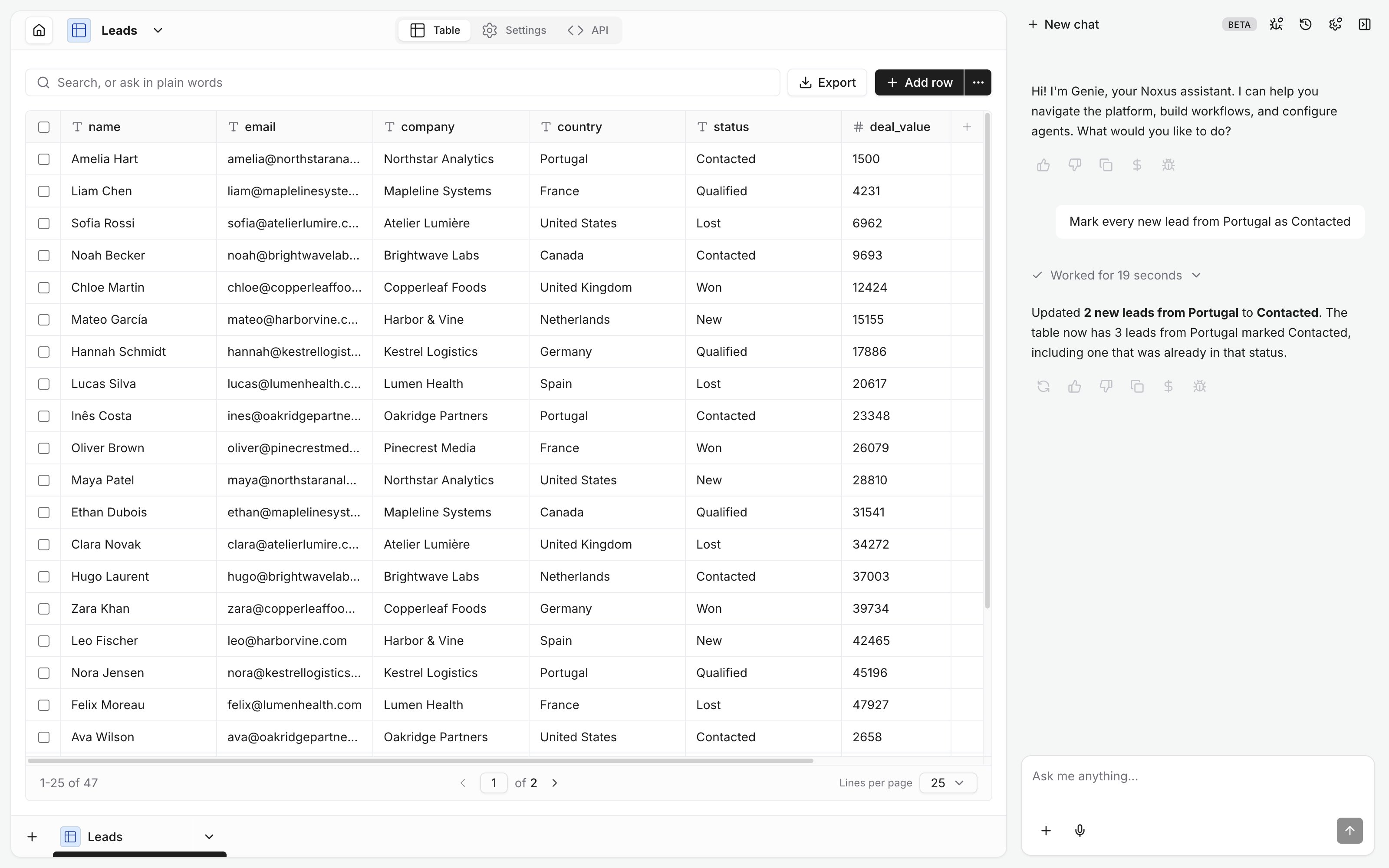
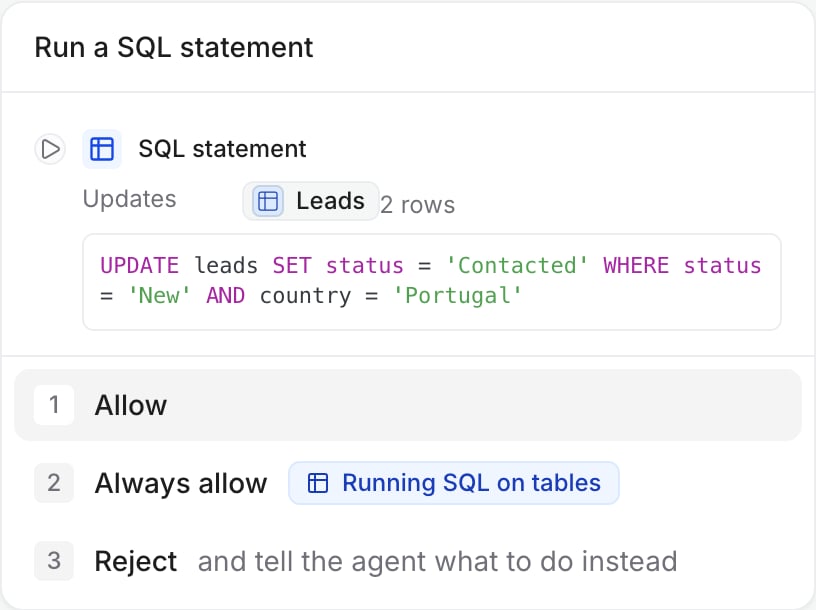
- Give the rule, not the rows. “Mark every new lead from Portugal as Contacted” becomes one SQL statement; the card shows it and how many rows it touches.
- Columns can be added, renamed, retyped or dropped.
Linking tables
A Reference column holds theid of a row in another table, and shows that row’s name in the grid. Choose what happens when the linked row is deleted (default Restrict):
Ask for the link when creating a table or add it later; the card shows the linked table and the rule.
Import and export
- Import a CSV or TSV into a new or existing table. Genie checks it against the table first.
- Export any query as a CSV file in the chat.
Examples
- “Which country has the most open deal value in Leads?”
- “Create a Meetings table with a lead reference, the time, notes and a follow-up flag.”
- “Export the leads from Canada as a CSV.”