

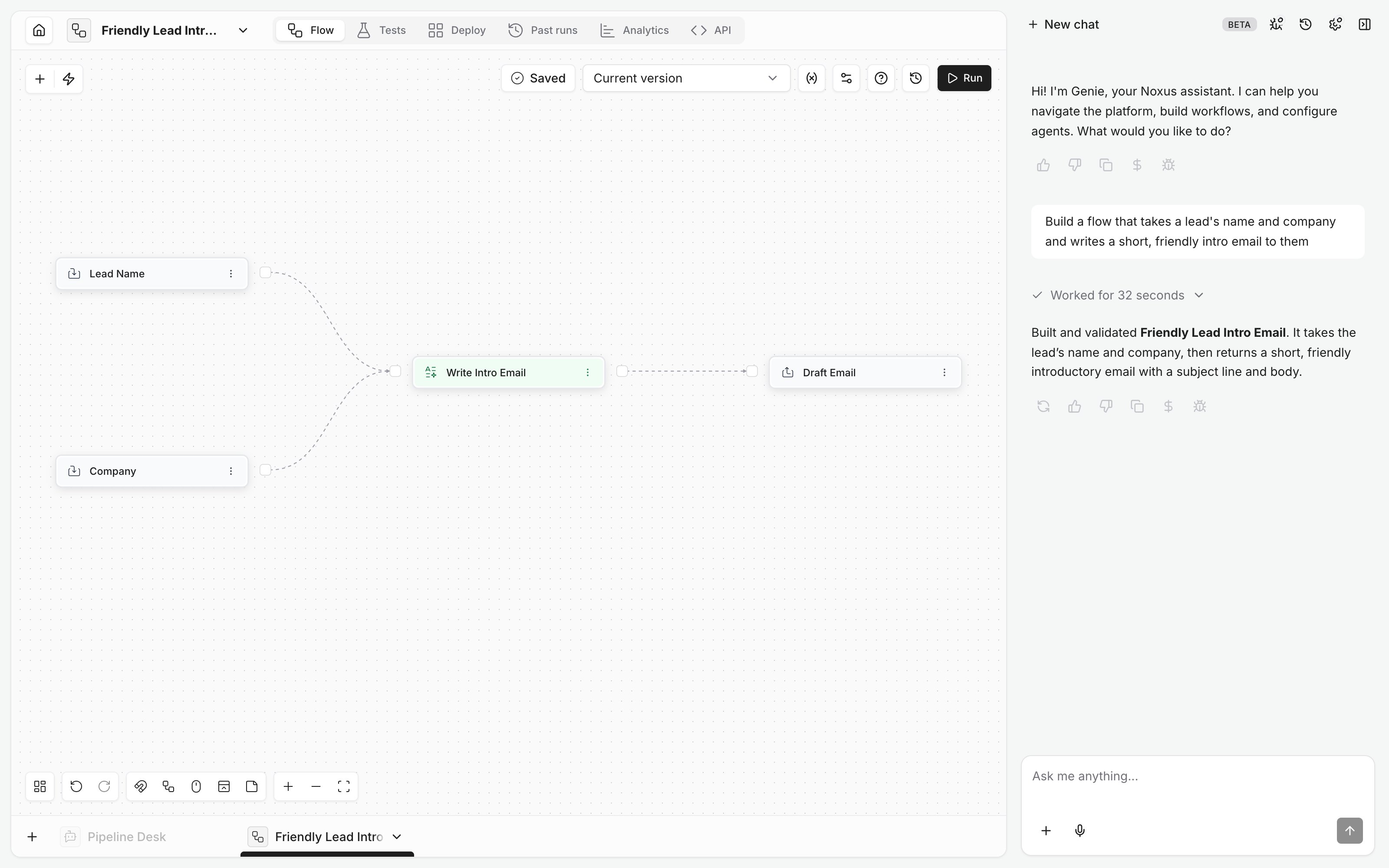
- New or open flow. “Build a flow” always creates a new one. “Change this flow” edits the one open in the editor; the card lists steps added, changed and removed. If it’s ambiguous, Genie asks.
- Testing. A test up to a step and a full run both ask first, since the steps can send emails or write data.
- Triggers. Times are in your browser’s time zone.
- Delete and restore. Genie can restore a deleted flow with its runs. Its triggers and tags are gone for good, so Genie recreates the triggers it needs.
Examples
- “Build a flow that summarizes a PDF and writes the summary to the Notes table.”
- “In this flow, send the email only when the deal value is over 10,000.”
- “Run this flow every weekday at 8:00.”
- “Why did the last run fail?”