

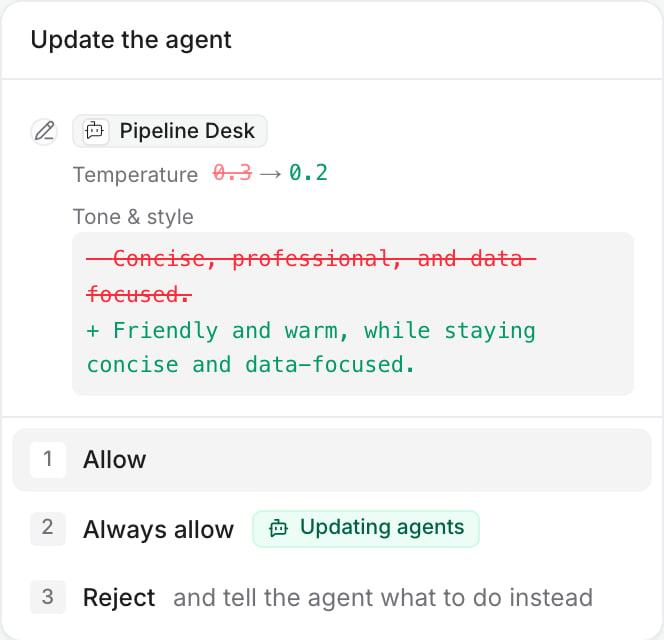
Deletes always ask, even with Always allow: flows, agents, tables, columns, rows, chats and deployments.
Once an action has run, its row in Genie’s chat opens on what the card showed, with a link to the thing it changed. Actions that ran without asking open the same way, and so does every row after a reload.
Genie never moves your page when it builds, runs or creates something: you stay where you are. Open a row and its card starts with what changed, such as the new flow, the run in the flow’s run preview, an agent’s copy or a test run’s report. Click it to go there. Files, sandboxes and workspace members have no page, so their cards have no header.
When Genie asks you
When a request leaves out something the result depends on, such as the system your data lives in, what one case is, or which field makes two records the same, Genie asks before it builds instead of guessing. The questions take the place of the message box, each with options to pick from.
A question waiting for you is still there after a refresh, and the turn above it reads Waiting for your answer. Once settled, the chat lists each question by its short name with your answer, or the ones you skipped.